
Hey Champs! Social Champs introduces its new feature, TikTok Direct Posting, which lets users post a video on TikTok at a scheduled time without the hassle of receiving a push notification from the app.
Let’s get started with how to do direct posting to TikTok in Social Champ.
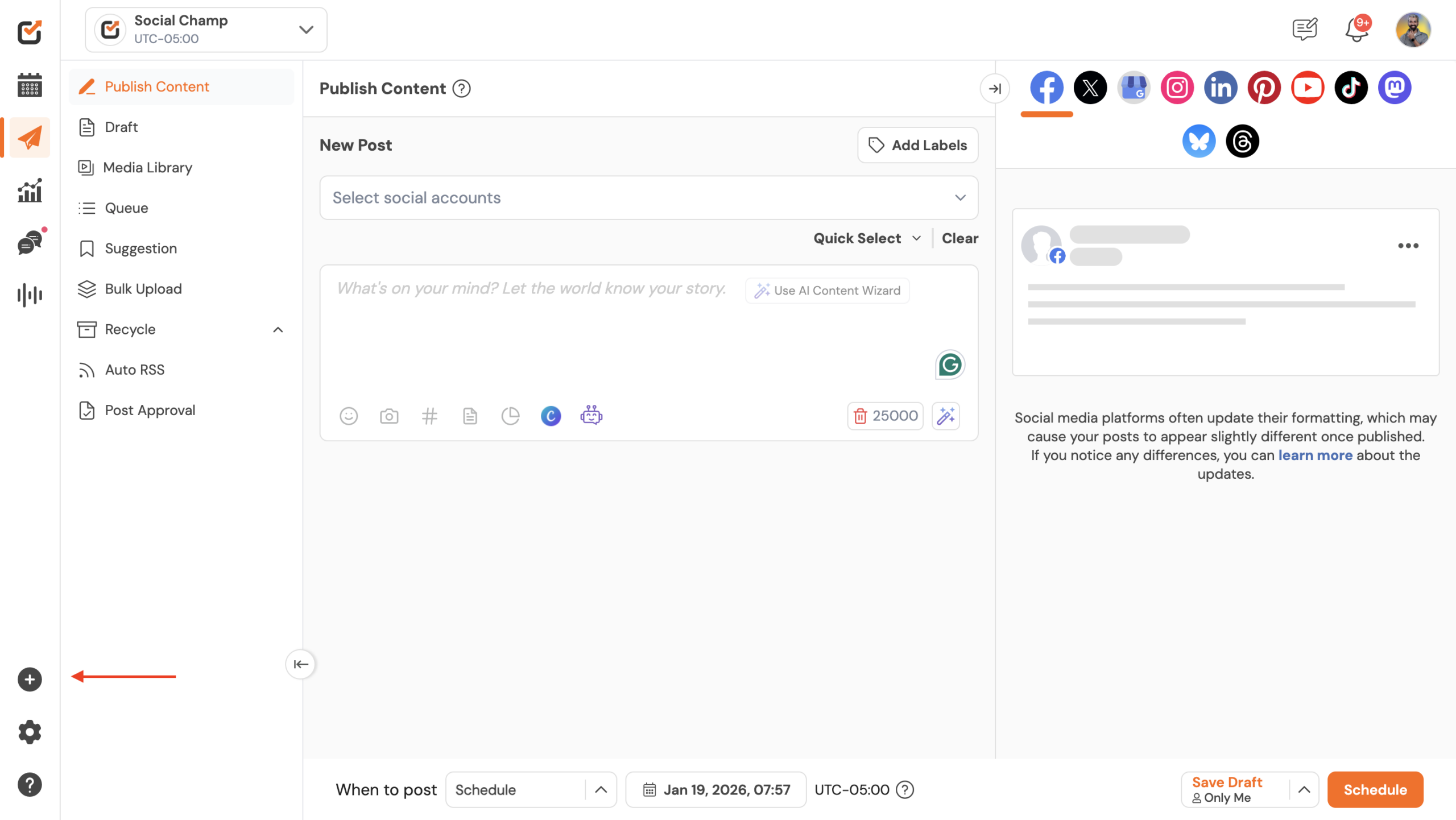
1- First, log in, and you will be directed to our Publish Content Dashboard. Please navigate to the plus icon in the left panel and click on it.
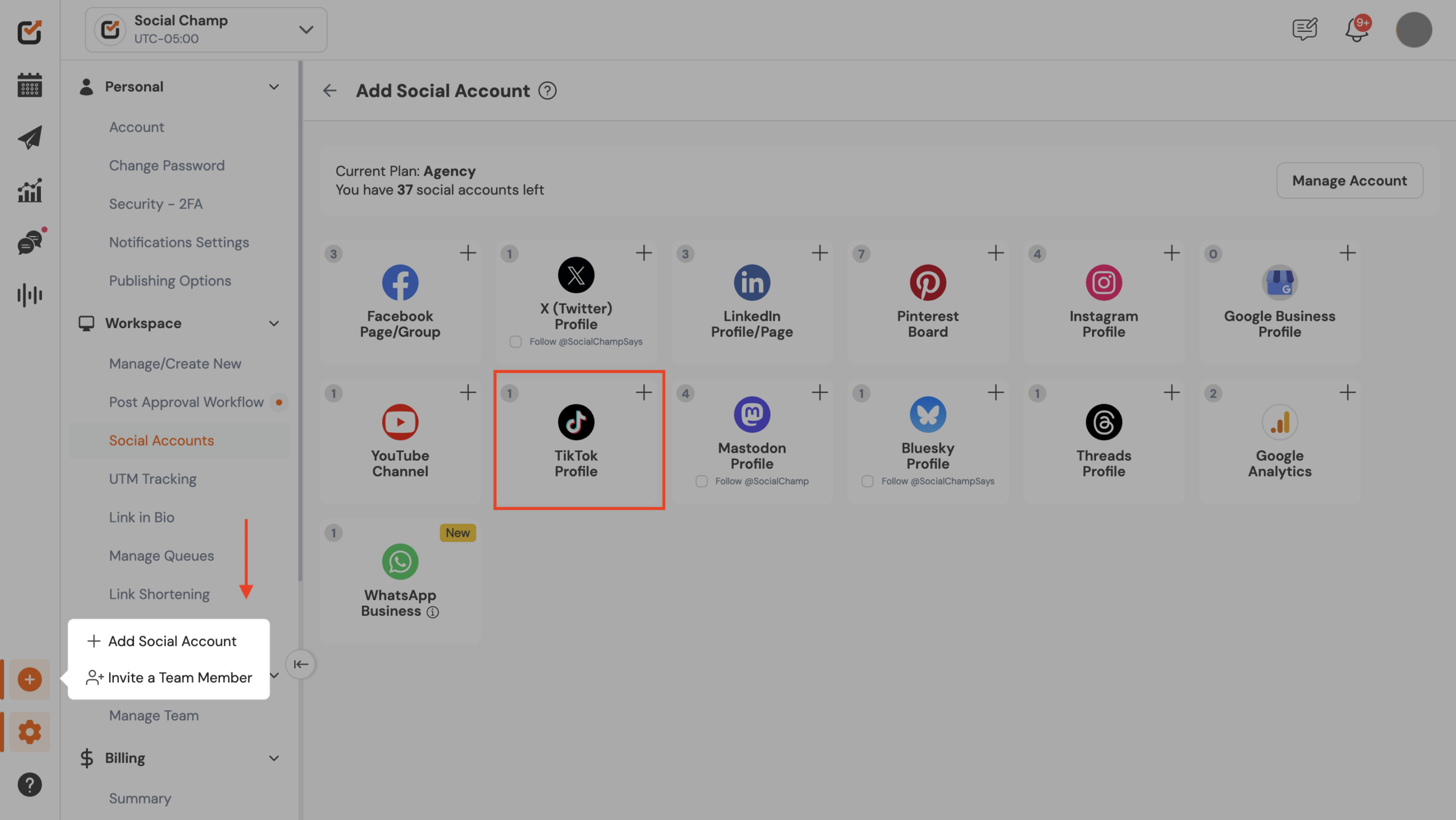
2 – Click the plus icon “Add Social Account” as you will be redirected to a page where you can add a TikTok account.
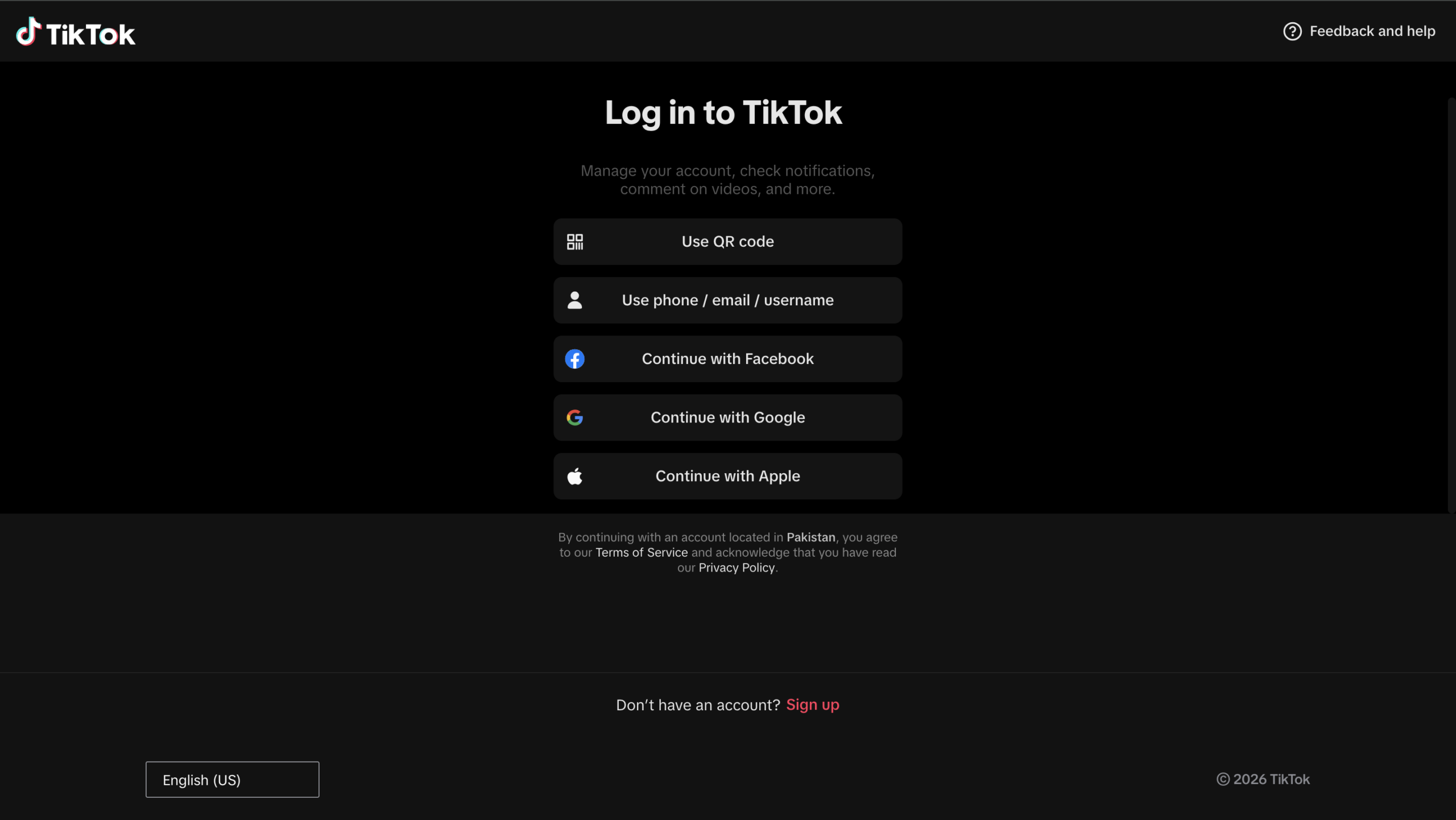
3- Then the TikTok login window will appear, and you must log in using your preferred account.
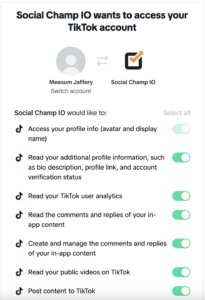
4- Next, authorize Social Champ to access your account.
5- Now, you will be redirected to the leading publish content dashboard again to upload your media and schedule it according to your day, date, and timeslots
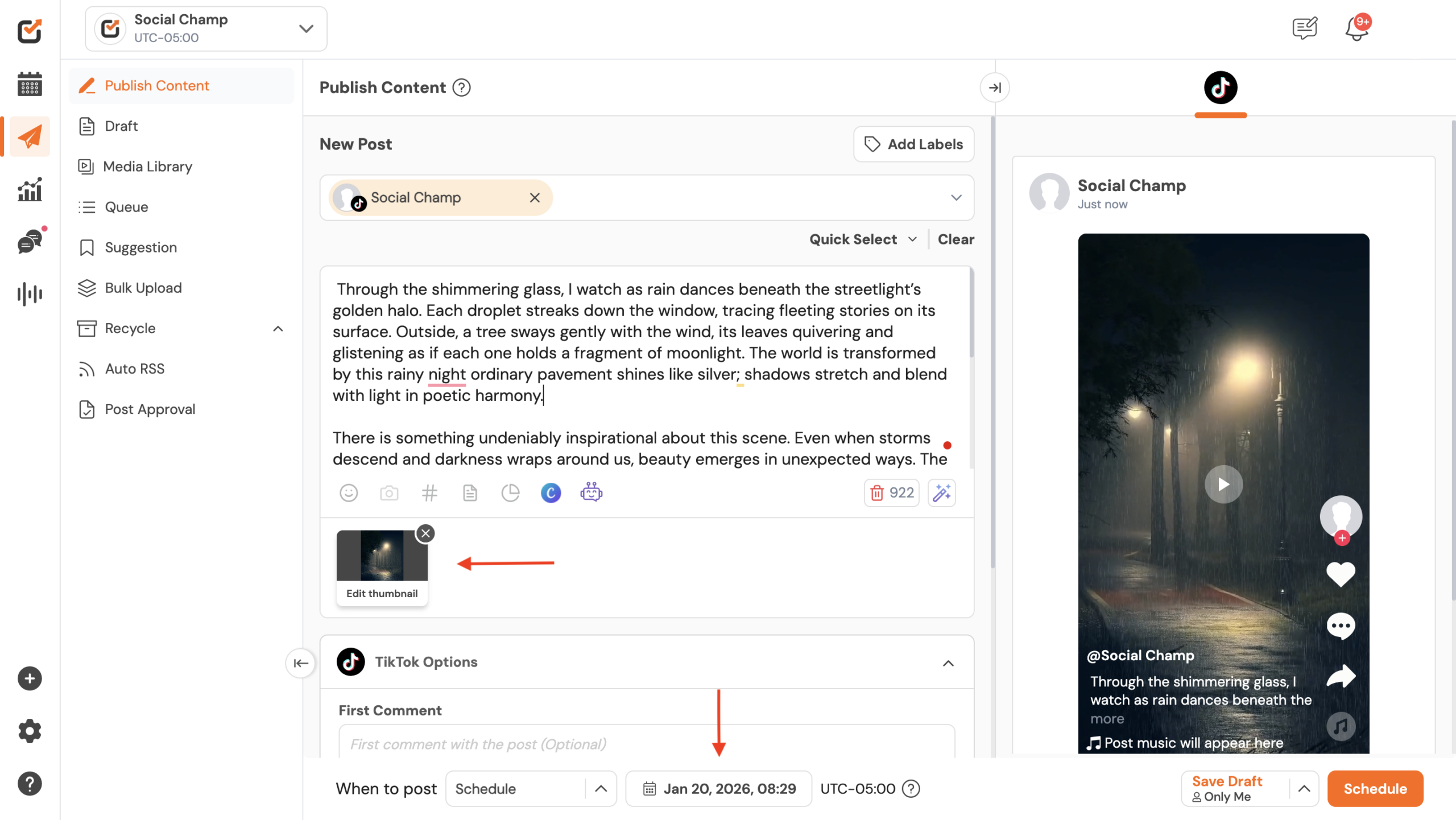
Great work! Now you know how to publish Direct Posting on TikTok using Social Champ.
Get the Support you need
For example: Having trouble? Got a question? We’re here to support you every step of the way. Simply email us at support@socialchamp.com, and we’ll get back to you.
Enhance your content strategy and engage your audience with YouTube video scheduling. Follow this step-by-step guide to schedule videos on Read more
Hey, Champs! Social Champ now introduces its much-awaited feature ‘Shareable Drafts’, which allows you to share your saved scheduled posts Read more
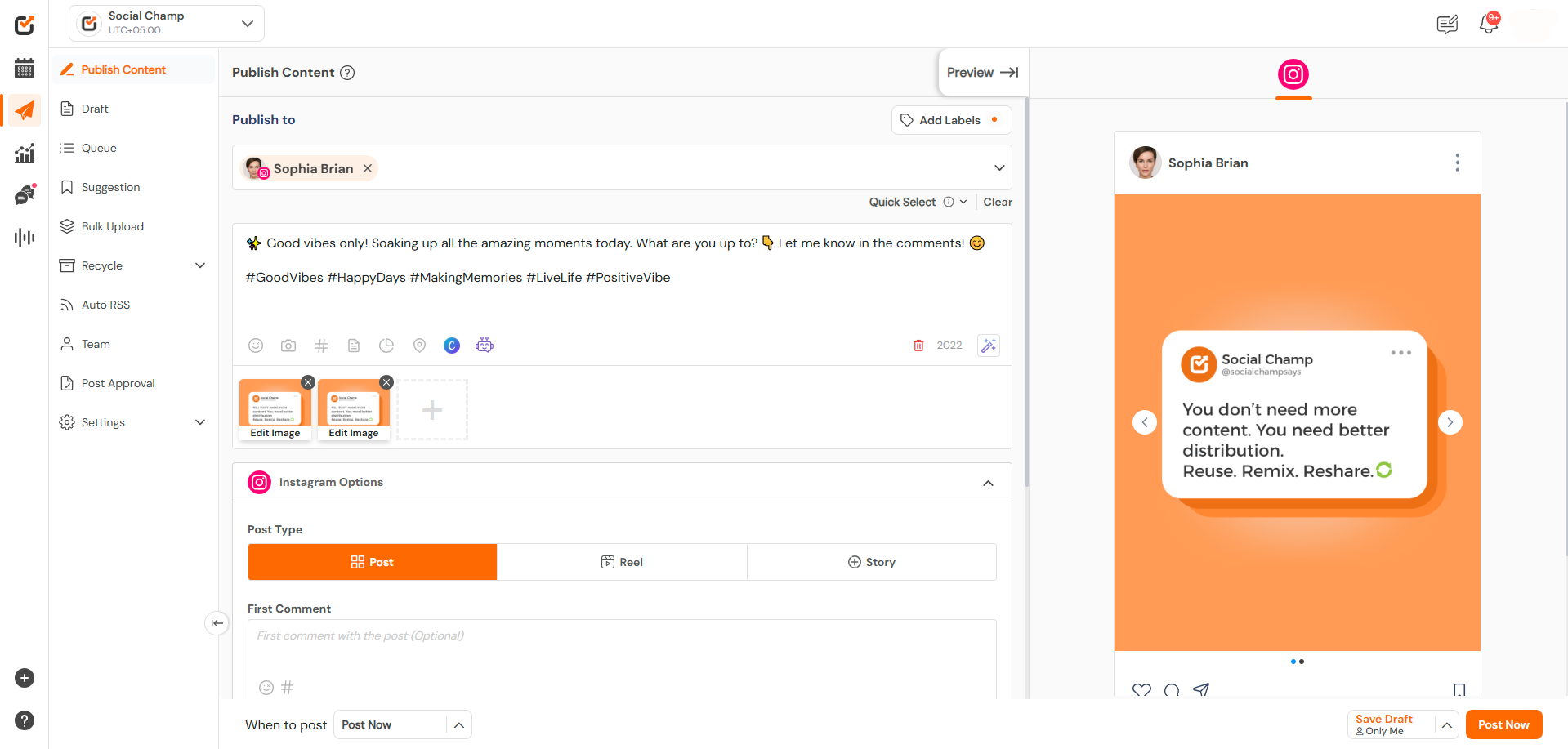
This guide will help you schedule carousel posts (multiple images) to your Instagram Business or Creator account using Social Champ. Read more
Social Champ offers a free plan and three paid plans. The number of posts you can schedule using each plan Read more